OpenCut: An Open-Source, Free, Privacy-First Video Editor — A Perfect Alternative to CapCut
As video creation becomes more widespread, a good free video editing tool has become a must for many creators. However, many free tools on the market are either limited in features, force watermarks, or pose privacy risks. Today, I want to recommend an open-source video editor that truly addresses these pain points — OpenCut.
What is OpenCut?
OpenCut is an open-source video editor built on a modern web technology stack, designed to be a free alternative to CapCut (the international version of 剪映). The project was started by a group of developers unhappy with CapCut’s monetization strategy. Since launching in July 2025, it has gained over 46.7k stars on GitHub, has 92 contributors, and boasts a very active community.
OpenCut’s core idea is simple yet powerful: “A simple but powerful video editor that gets the job done and works on any platform.” It emphasizes three main features: privacy-first, completely free, and open-source with self-hosting support.
Five Core Advantages
1. Completely free, no hidden charges
Unlike many “free” tools, OpenCut does not charge any fees and has no “Pro” or “membership” features. All features are fully open, requiring no login or subscription, effectively solving the growing paywall problem seen in tools like CapCut.
2. No watermark on export
OpenCut does not add any watermark to exported videos, so users can confidently use their work for commercial projects or other formal occasions. This is a huge advantage for creators who need to publish high-quality content.
3. Privacy-first
All video data is stored only on the local device; the entire editing-to-export process does not require an internet connection, greatly reducing the risk of privacy leaks. OpenCut emphasizes “Your videos stay on your device,” ensuring sensitive material is not uploaded to cloud servers.
4. Cross-platform support
OpenCut is currently a web-based online application that can be used on Windows, Mac, or Linux simply by opening a browser. It also supports web, desktop, and mobile, making it relatively easy for users to learn.
5. Open-source ecosystem, customizable
Licensed under the MIT license, one of the most permissive open-source licenses. Developers can deploy it internally, embed it into their own SaaS platforms, or build custom editing tools based on it without paying any fees.
Key Features Overview
Basic editing features
- Multi-track timeline editing: Supports layering of video, audio, text, and more
- Real-time preview: What you edit is what you see; performance depends on local hardware
- Basic editing tools: Trim, split, speed adjustment, simple transitions
- Format support: Import/export of mainstream formats like MP4, MOV, AVI, MKV
AI-enhanced features (some under development)
- Multilingual video translation: Uses AI-OCR to recognize text in images/videos, supports translation between 100+ languages
- Smart watermark removal and repair: Automatically detects and fills watermark areas, supports batch processing
- Video style transfer: Live-action to anime, vocal separation, video-to-GIF, etc.
- Smart erase and asset generation: Box-select to remove bystanders/clutter, automatic tracking of dynamic elements
Technical architecture
OpenCut is built with a Next.js + TypeScript frontend, uses the Bun package manager and Docker for deployment, and is sponsored by Vercel and fal.ai. It uses a multi-track timeline architecture that supports layered media/text/audio tracks to ensure smooth editing and intuitive operation.
Two Ways to Use It
1. Online Beta (recommended for beginners)
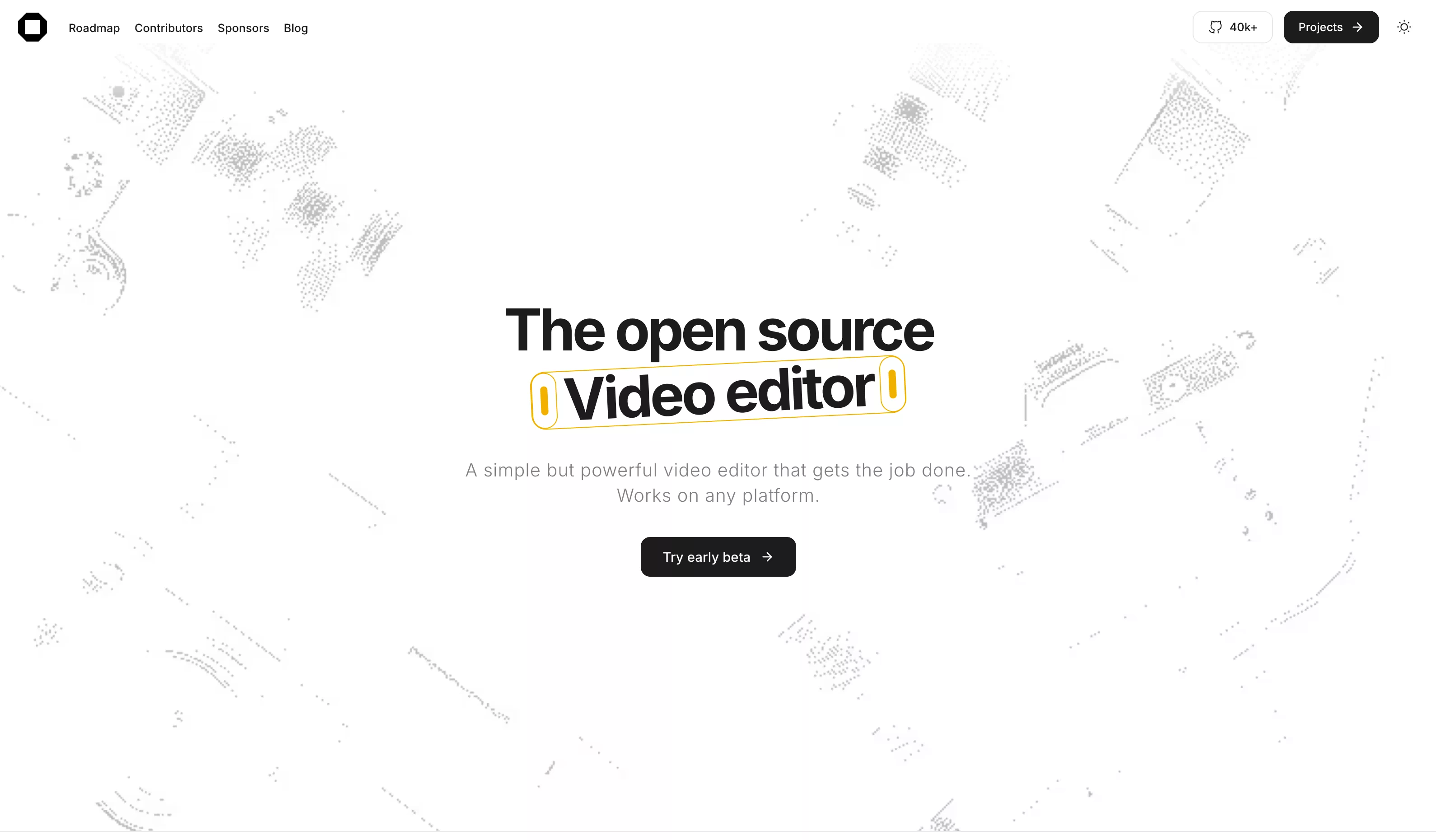
The easiest way is to visit the OpenCut website (https://opencut.app) and click “Try early beta” to experience the online version. No software installation is required — open your browser and start editing, ideal for quick onboarding and small project testing.
2. Local self-hosting (recommended for developers/privacy enthusiasts)
For users who want fully offline operation and customizable features, you can deploy your own OpenCut instance locally via Docker. This method suits enterprise users, privacy-sensitive creators, or developers who want to customize functionality.
Who It's For
Suitable for:
- Independent YouTubers, TikTok creators, students
- Privacy-conscious users and enterprise users
- Cross-border e-commerce professionals needing multilingual content
- Educators creating instructional videos
Not suitable for:
- Professional users requiring AI automatic editing or complex special effects
- Enterprise-level team collaboration (awaiting a more mature version)
- Commercial projects with extremely high stability requirements
Current Limitations and Notes
As a beta project, OpenCut still has some limitations:
- Advanced effects, keyframe systems, and complex filters are still under development
- Export functionality is being refactored and may be unstable at times
- The learning curve is beginner-friendly but the ecosystem is not as rich as CapCut’s (asset library, one-click AI features)
- Desktop/mobile support is still being improved; the web version is currently the main focus
It’s recommended to back up important work with other tools and follow GitHub Releases for the latest updates.
Conclusion
OpenCut represents a strong open-source response to commercial video editing tools. It not only matches mainstream products in functionality but also sticks to a user-first philosophy — free, watermark-free, and privacy-protecting. Although it is still in beta and not yet fully featured, its growth momentum and community support are promising.
For everyday short video editing, instructional video production, and social media content creation, OpenCut is already powerful enough. For developers and tech enthusiasts, its open-source nature offers limitless possibilities.
If you’re tired of subscription fees and watermark hassles, or if you have high data privacy requirements, give OpenCut a try. Visit https://opencut.app to start experiencing this open-source tool that’s changing the video editing ecosystem!
Score: 7.5/10 (current beta stage)
Greatest value: A free, controllable, and worry-free video creation experience