Introduction
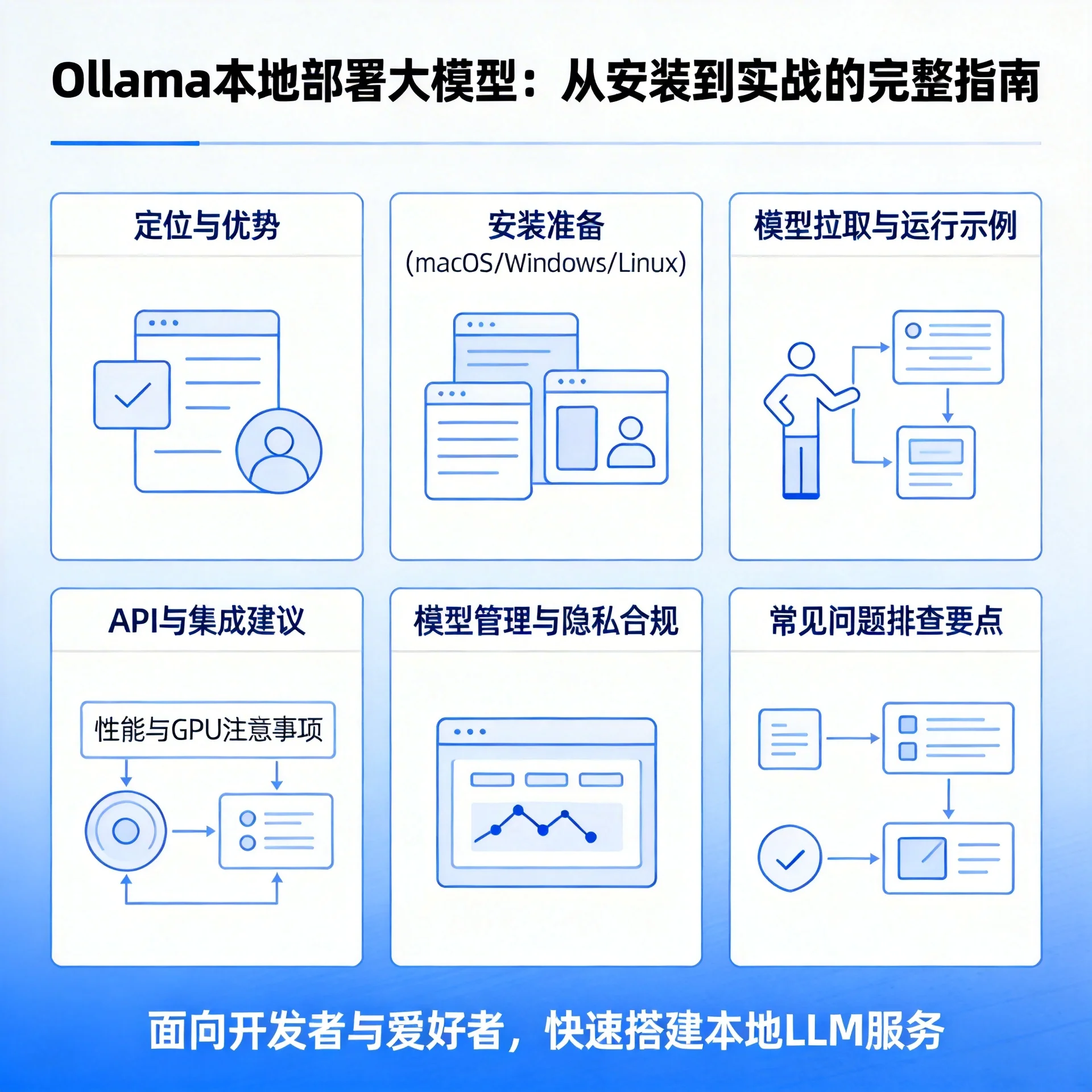
As the open-source large model (LLM) ecosystem rapidly evolves, more teams want to deploy models locally to meet privacy, latency, and controllability requirements. Ollama is a lightweight local LLM runtime framework/tool that has been widely adopted in recent years, designed to make it easier for developers to pull, run, and manage local model instances. From a practical perspective, this article will take you through environment preparation, common operations, performance optimization, and common troubleshooting to comprehensively cover the key points of deploying Ollama locally.
What is Ollama and why choose it?
- Positioning: Ollama provides a toolchain for running local models as a CLI/service, simplifying the process of pulling models, starting inference processes, and exposing them for calls. It hides many details from higher-level developers and is suitable for rapid experimentation and early-stage production exploration.
- Advantages: Low barrier to entry, cross-platform (common macOS/Windows/Linux solutions available), can run many community- and vendor-released models directly, and supports integration into applications via a local API so data stays on-premises.
- Use cases: Privacy-sensitive enterprise applications, offline/intranet inference, R&D validation, POCs, and edge deployments.
Preparation before deployment (hardware and software)
- Hardware: You need at least several tens of GB of disk space for model files (model sizes vary from a few GB to hundreds of GB). A CPU is fine for small-scale testing; to get significant performance improvements, configure a supported GPU (NVIDIA CUDA drivers) or use the appropriate acceleration solutions on Apple Silicon (refer to the official documentation for specific support).
- Network: Initial model pulls require internet downloads; if operating in an isolated network, prepare model packages or images in advance.
- Permissions and environment: Ensure you have permission to write to the model directory and run background services; on Linux, if you want to use a GPU, configure CUDA and drivers.
Installing Ollama (quick guide)
Note: Installation packages or methods vary by platform and version; it is recommended to check the official documentation first for the latest installation instructions. Below are common installation methods:
- macOS: Installable via Homebrew or by downloading the official dmg/installer; after installation, the
ollamatool is available on the command line. Example:
brew install ollama
# 或者从官网下载安装包并运行安装程序
-
Windows: The official installer (.exe) is usually provided; double-click to install and it will add the command-line tool to your system. Community solutions using choco and similar tools also exist.
-
Linux: Use the official binary package, package manager, or run the Ollama service via Docker (Docker is commonly used for server/container deployments).
-
Docker: If you want to run Ollama in a container, you can use official or community-maintained images to unify environment and dependency management.
Pulling and running models (practical example)
Once installed, a common workflow is: pull a model -> run the model -> call the API or interact via the CLI.
Example (using a relatively lightweight community model):
# 拉取模型(示例模型名,实际请根据官方/镜像源填写)
ollama pull deepseek-r1:7b

# 运行模型(在本机启动一个推理进程)
ollama run deepseek-r1:7b
After running, you can interact with the model in the terminal, or call it from your application via Ollama's local HTTP interface/SDK (integration will be covered below).
Tip: Model names often include a tag (e.g., :7b) indicating parameter size or version; pay attention to model licenses and sizes when pulling and running.
API and application integration
Ollama typically provides locally accessible interfaces to make it easy to integrate model capabilities into back-end or front-end applications. Typical integration approaches include:
- Using Ollama's CLI to start models from scripts and interact via standard input/output.
- Using Ollama's local HTTP API (or SDK) to send requests to a running model process for automated calls and concurrency control.
- Placing a proxy/gateway in front of the back end for authentication, rate limiting, and logging, then forwarding to the Ollama service so multiple services can share the same model instance.
Note when integrating: once you expose an interface externally, implement access control and traffic isolation to prevent unauthorized use or abuse of compute.
Performance and GPU acceleration
- GPU: If you need low latency and high throughput, configuring a supported GPU and enabling an appropriate inference backend is key. Different models and runtimes have varying GPU support; some models see significant speedups on GPU, especially those with tens of billions of parameters or more.
- Apple Silicon: On macOS with Apple M systems, some models or backends support Metal acceleration (depending on version and build).
- Batching and concurrency: Through request batching and reasonable thread/process configuration, you can improve throughput, though this may increase latency variance and requires trade-offs.
It is recommended to run performance benchmarks on a development machine first, then fine-tune parameters (concurrency, batch size, thread count, etc.) on the target production machine.
Model management and storage strategies
- Storage location: The default model directory can consume a lot of disk space; when necessary, move the model directory to a larger disk or SSD to improve I/O performance. The community often uses environment variables or configuration to specify model storage paths.
- Multi-model management: If serving multiple models simultaneously, use separate processes or containers for isolation to avoid memory/VRAM conflicts.
- Versions and licensing: Confirm model licenses before pulling (some models restrict commercial use or redistribution), and include version management in your release process.
Privacy, compliance, and security
- The main advantage of local deployment is that data stays on-premises, but you still need to ensure logs, caches, and temporary files do not leak sensitive information.
- When exposing APIs externally, implement authentication, access control, and audit logging to prevent misuse.
- Comply with the model’s license and data-processing requirements; enterprises should establish internal policies to constrain model usage scenarios.
Common issues and troubleshooting points
- Download failures: Check the network and mirror sources; use a proxy or offline model package if necessary.
- Insufficient disk space: Large model files can take tens of GB—keep enough space available and clean up old models.
- Permission issues: Ensure the running user has read/write permissions for model directories and configuration files.
- GPU not usable: Check GPU drivers, CUDA version, and whether Ollama was built/configured with GPU backend support.
- Poor performance: Start with small-sample benchmarks, then adjust concurrency, batching, and startup parameters step by step.
Summary and next steps
Ollama provides a convenient on-ramp for local model deployment, suitable for rapid validation and data-sensitive scenarios. To make the most of it, follow these practices:
- Complete installation and small-scale model validation on a single machine (confirm model and environment compatibility).
- Run performance benchmarks (CPU vs GPU, different concurrency levels) to find the appropriate resource configuration.
- Establish model storage and version management processes, and plan backups and cleanup strategies.
- Add authentication, rate limiting, and auditing when serving externally to ensure security and compliance.
For more details and the latest installation/acceleration methods, refer to the official documentation and community resources (for example, the Ollama official docs and related tutorials). Good luck with your local LLM exploration—may you quickly integrate model capabilities into real products or research!